|
For
Students
The transition to a new
school building can be traumatizing for many students.
Years ago in the days before
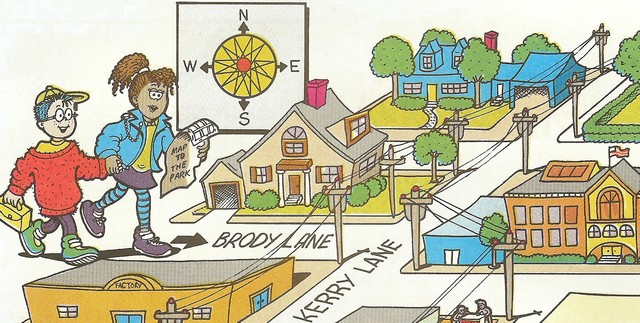
computers when new students came to our school I prepared maps of
each of the floors of the school. I took them on a walking tour of
the building to show them where everything was located. I felt it
was important that they knew about all the services that were
available to them in the school building. I also wanted them to know
which staircase to take to go to the cafeteria, gym or other areas
of the school. This process made them much more comfortable.
Family File & 6th Grade Welcome Slideshow - Murray Hill Middle
School
The MHMS Daring School Library Media Center Orientation Animation
Video - @GwynethJones
For
Parents
When my wife and I went to
Back to School Night for my own children when they were in Middle
School and had to follow our children's schedules we got lost.
There was no rhyme or reason to the room numbering system. A
good map or GPS system would have really helped us.
For New
Teachers
Administrators should arrange
a walking tour of the school building for new teachers or
self-guided tours using QR Codes or M-Learning devices. I had
to beg my principal each year to allow me to have an orientation to
my school library and the services I offered to them. Include
a walking tour or bus trip of the community. Make the new
staff members aware of the community and the resources it contains.
Library Orientation for Students
First session was to orient students to all of the services that the
library provided, the rules and regulations of the library and the
circulation policy as well as when they could use the library.
The second session covered how to find a book (Dewey Decimal
System) and the Reference Section.
The third session was a scavenger hunt per library table that the
children enjoyed. I also gave them a brief library
First Day of School page
|

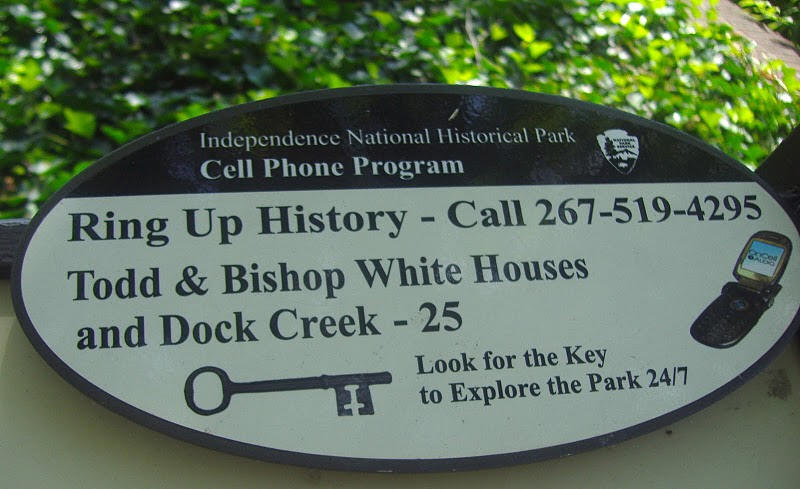 You
can also Ring Up School Information for different locations in
the school.
You
can also Ring Up School Information for different locations in
the school.